rhun
rhun is a small, fast code editor written in assembly. It runs on Linux, macOS and Windows, and it is free and open source under the MIT license.
When coding agents do more of the heavy lifting, you may not need everything that comes with vim, VS Code or Zed. You need to read and edit code, run commands, find files and check what changed. rhun does those things and little else.
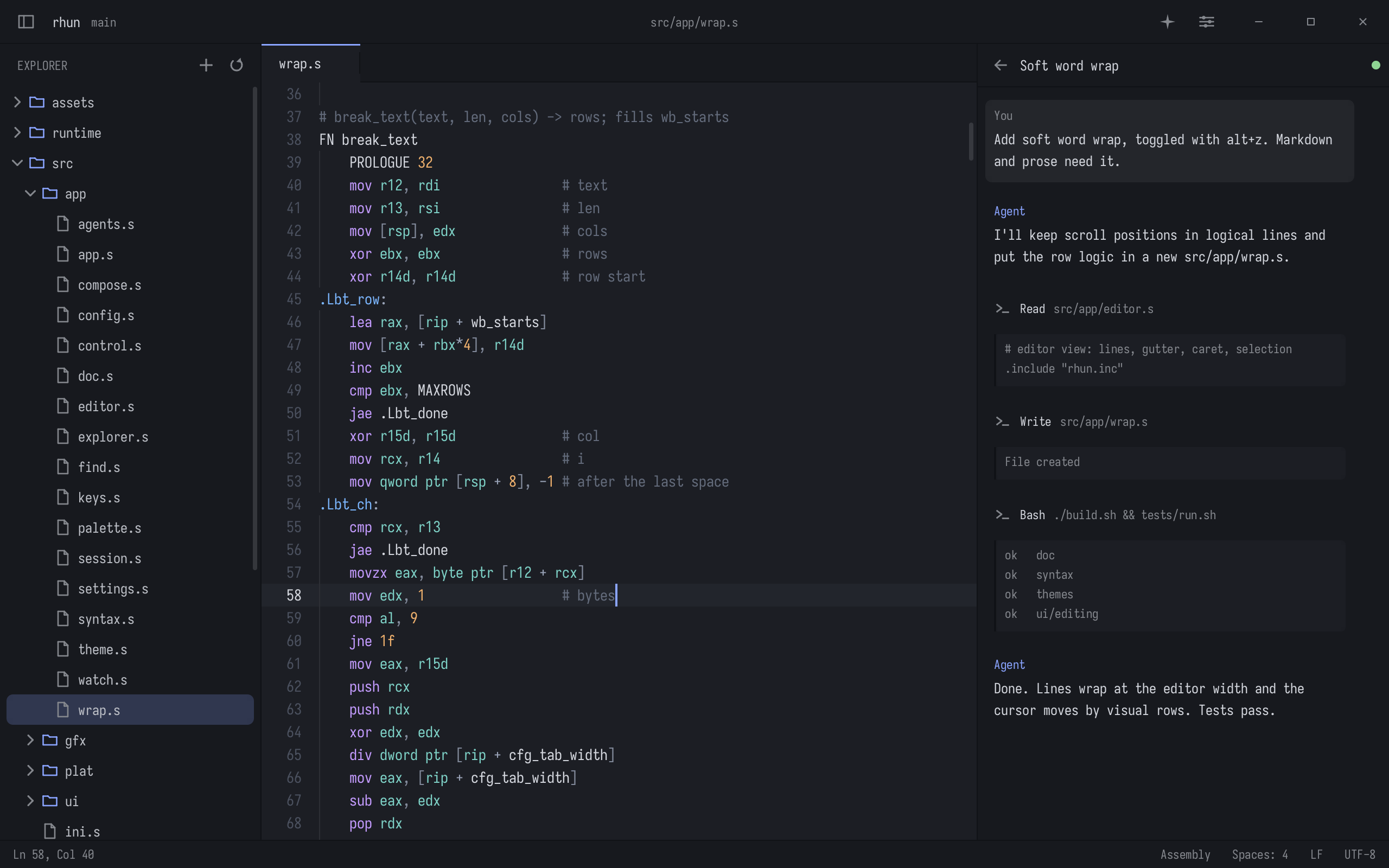
What it does
- Tabs, a file explorer, a command palette, fuzzy file search, and find and replace across the project
- Syntax highlighting for 127 languages and file formats, defined in plain text grammar files
- A built-in terminal with 24-bit color, mouse support and scrollback
- Git: changed lines in the gutter, diffs, staging and commits, and a history graph of all branches
- An optional Vim mode
- 39 light and dark themes
- A panel that follows the project’s Claude Code and Codex sessions as they work
Written in assembly
The whole editor is over 70,000 lines of x86-64 assembly. It draws every pixel itself, from its own TrueType rasterizer to the widgets, and hands the finished frame to the display server. On Linux it speaks the Wayland and X11 wire protocols directly, with no libc, toolkit or runtime underneath. The release is one static binary under 750 KB, with the fonts, themes and grammars inside.
There is no separate Mac port. At build time a translator turns the same x86-64 sources into native Apple silicon code, instruction by instruction, and a thin native layer runs it in an AppKit window. Random editing sessions are played through both builds, and they must end in identical documents and screenshots. Windows gets its own adapter, also in assembly, with a Win32 window and a ConPTY terminal.
Install
On Linux (x86-64) or macOS (Apple silicon):
curl -fsSL \
https://github.com/vshvedov/rhun/releases/latest/download/install.sh | sh
rhun then updates itself from the status bar. On Windows 10 or 11, download the Windows archive from the latest release and open rhun.exe.
The guide: usage, shortcuts and configuration
Screens from the editor
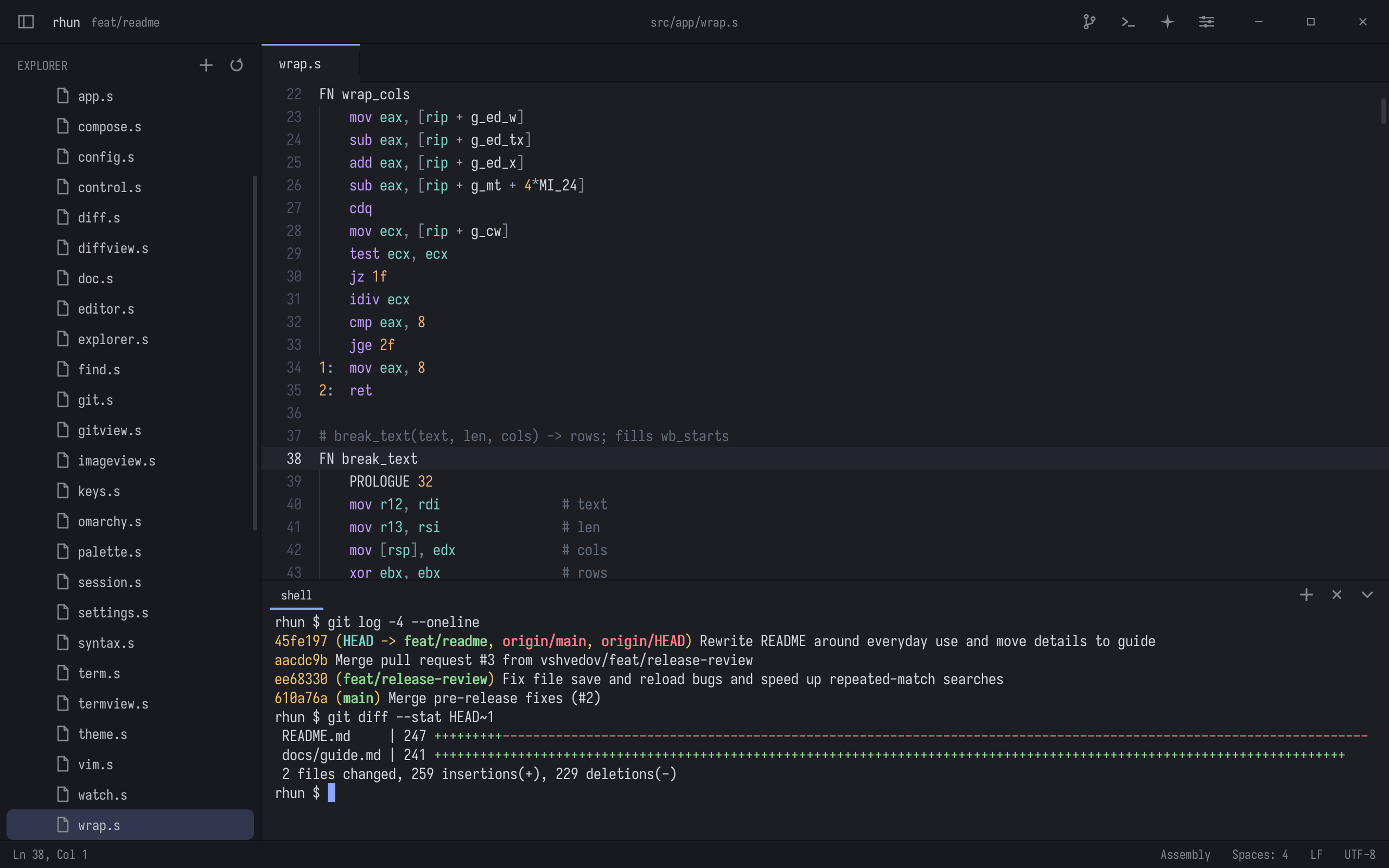
A shell under the code.
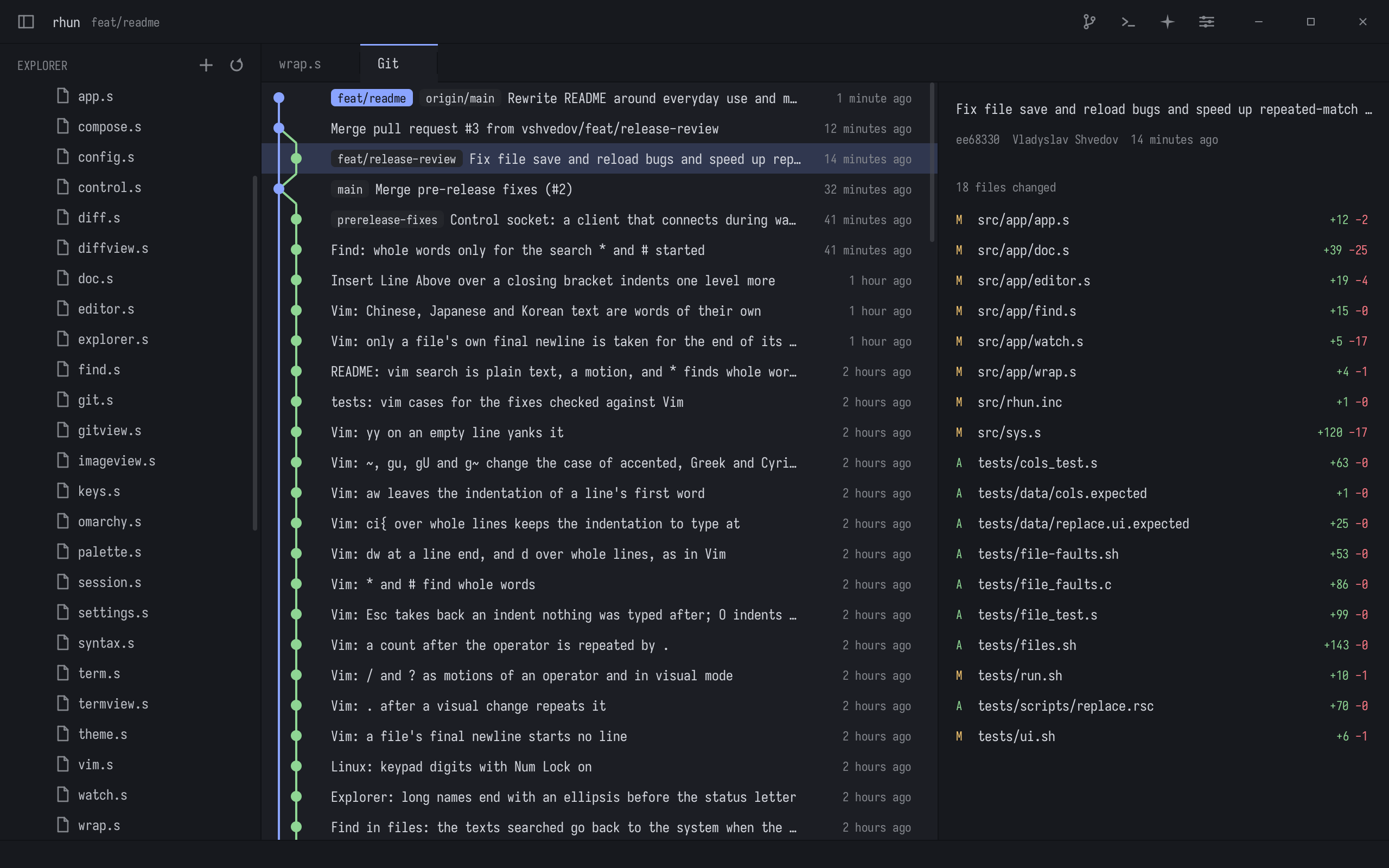
Every branch, drawn as a graph.
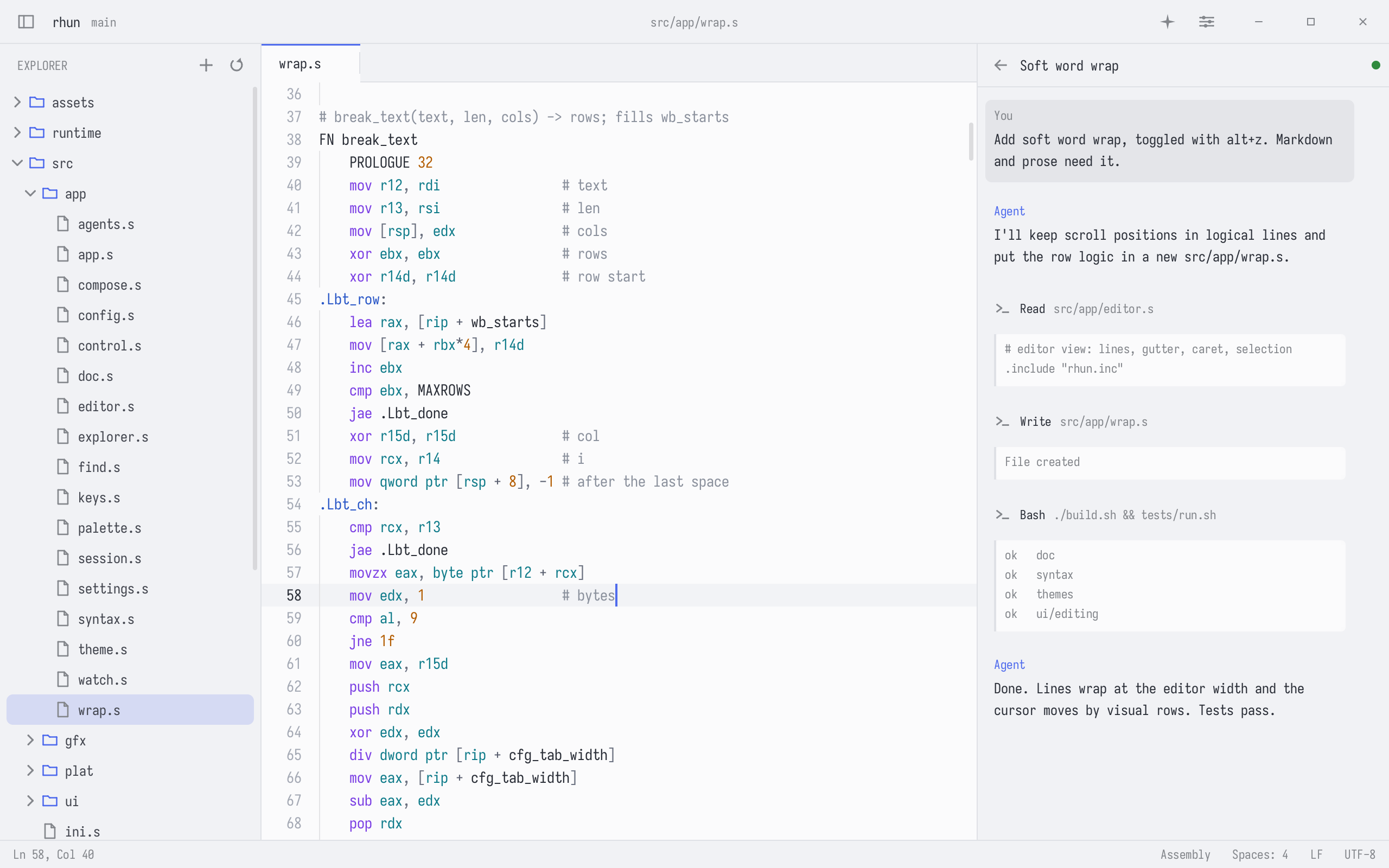
The light theme, one of 39.